LOOT Warning Checker
| Homepage |
|---|
| https://www.nexusmods.com/site/mods/323 |
| About |
| Check for LOOT warnings and display them as notifications, without needing to sort the load order. Features a guided fix to clean dirty plugins using xEdit. |
| Requirements |
| Mod Organizer 2 |
| xEdit / SSEEdit |
Warning
The plugin will work only after installing and configuring SSEEdit.
Installation
- extract the
LOOT-Warning-Checkerfolder tomo2\pluginsfolder - remove the contents of the existing folder before updating to a newer version
Setup
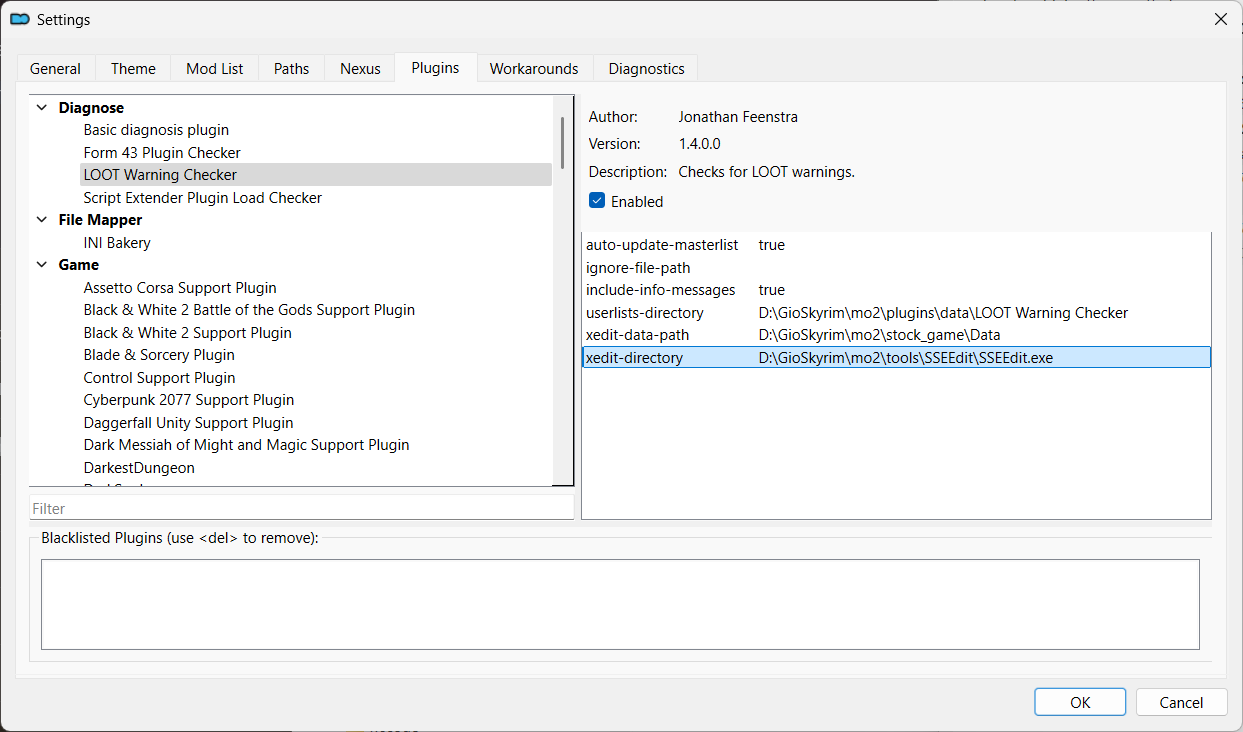
- activate the
MO2 Menu > Tools > Settings...menu - go to the
Pluginstab - select the
LOOT Warning Checker - verify that
xedit-data-pathandxedit-directoryare correctly set
Usage
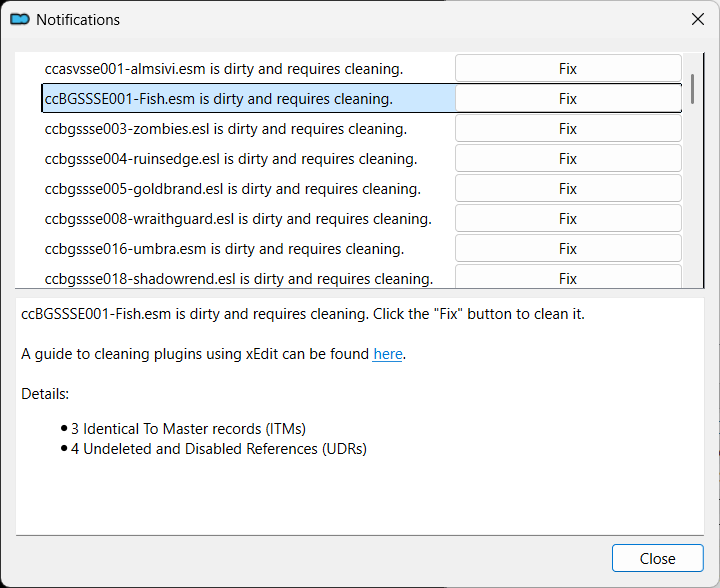
- open the Warnings dialog
- select a mod to see its problems
- click on the
Fixbutton to fix a particular mod
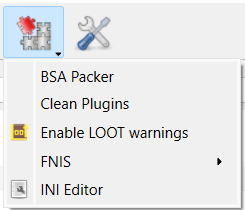
Disable warnings
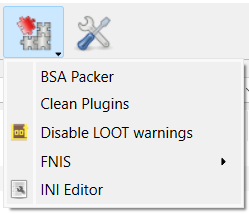
Enable warnings