SSE Engine Fixes (skse64 plugin)
| Homepage |
|---|
| https://www.nexusmods.com/skyrimspecialedition/mods/17230 |
| About |
| skse64 plugin to fix various issues with the Skyrim Special Edition engine |
| Requirements |
| Address Library |
| Skyrim Script Extender (SKSE64) |
| Downloads |
| (Part 1) SSE Engine Fixes for 1.6.1170 and newer |
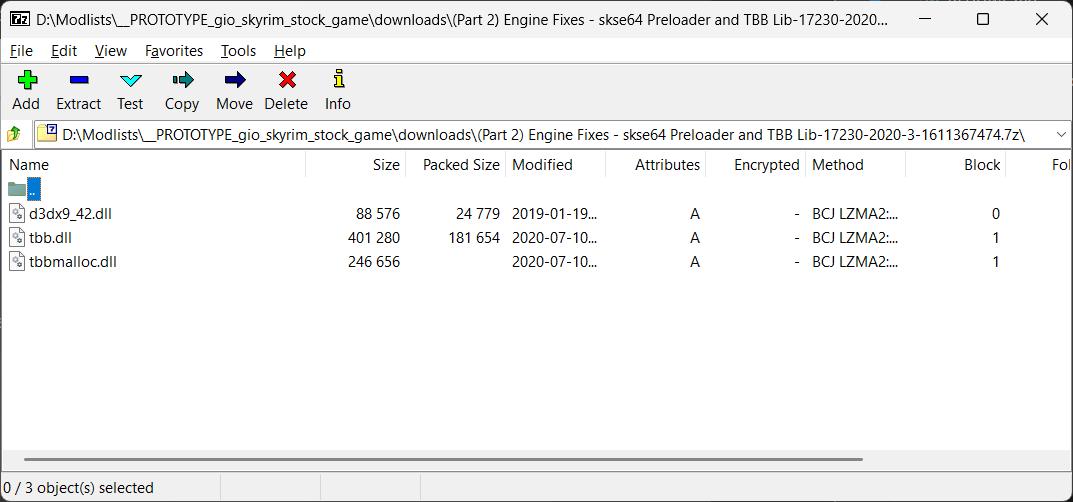
| (Part 2) Engine Fixes - skse64 Preloader and TBB Lib (manual download) |
Tip
Includes fix for Steam achievements when running Skyrim from MO2.
Install Part 1
- double-click it in Downloads tab from MO2 and install it like any other mod
- name it
(Part 1) SSE Engine Fixes for 1.6.1170 (v6.2)
Part 2
Create .meta
- select the download in the Downloads tab from MO2
- right-click it and select the
Query Infocontext menu to automatically fetch the info and create a.metafile for the download
Install with root_builder
- double-click it in Downloads tab from MO2 to
Install Modsdialog -
set the name of the mod to
[Root] (Part 2) Engine Fixes - skse64 Preloader and TBB Lib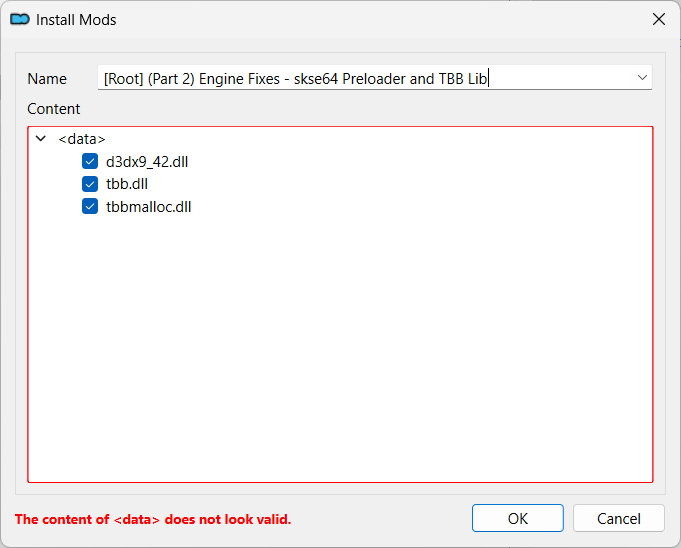
-
right-click the
<data>folder, selectCreate directory... - name the directory as
root -
move the three
.dllfiles under it -
click the
OKbutton even thoughThe content of <data> does not look valid.is still shown - click
Ignorewhen asked if you want to continue - enable the new mod
Install by hand
Note
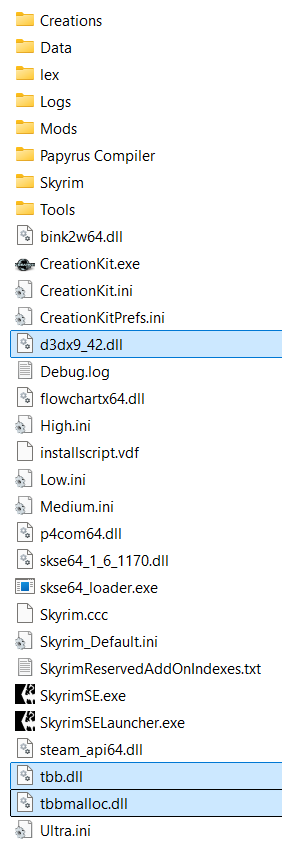
Like with the skse binaries, Part 2 contains only three files, so it is easy to track them manually.
You should probably still use the root builder method.
- right-click it again and select the
Open Filecontext menu to open the file in your archive manager - select all the files and drag-and-drop in the
stock_gamefolderd3dx9_42.dlltbb.dlltbbmalloc.dll