direct download
nexus
synthesis
tools
Synthesis
Homepage https://github.com/Mutagen-Modding/Synthesis About Framework and GUI to empower people to create mods via code instead of by hand. Users can run large numbers of these code-based mods and funnel their results into one or more files.
[General]
removed = false
directURL = https://github.com/Mutagen-Modding/Synthesis/releases/download/0.35.0/Synthesis.zip
Install
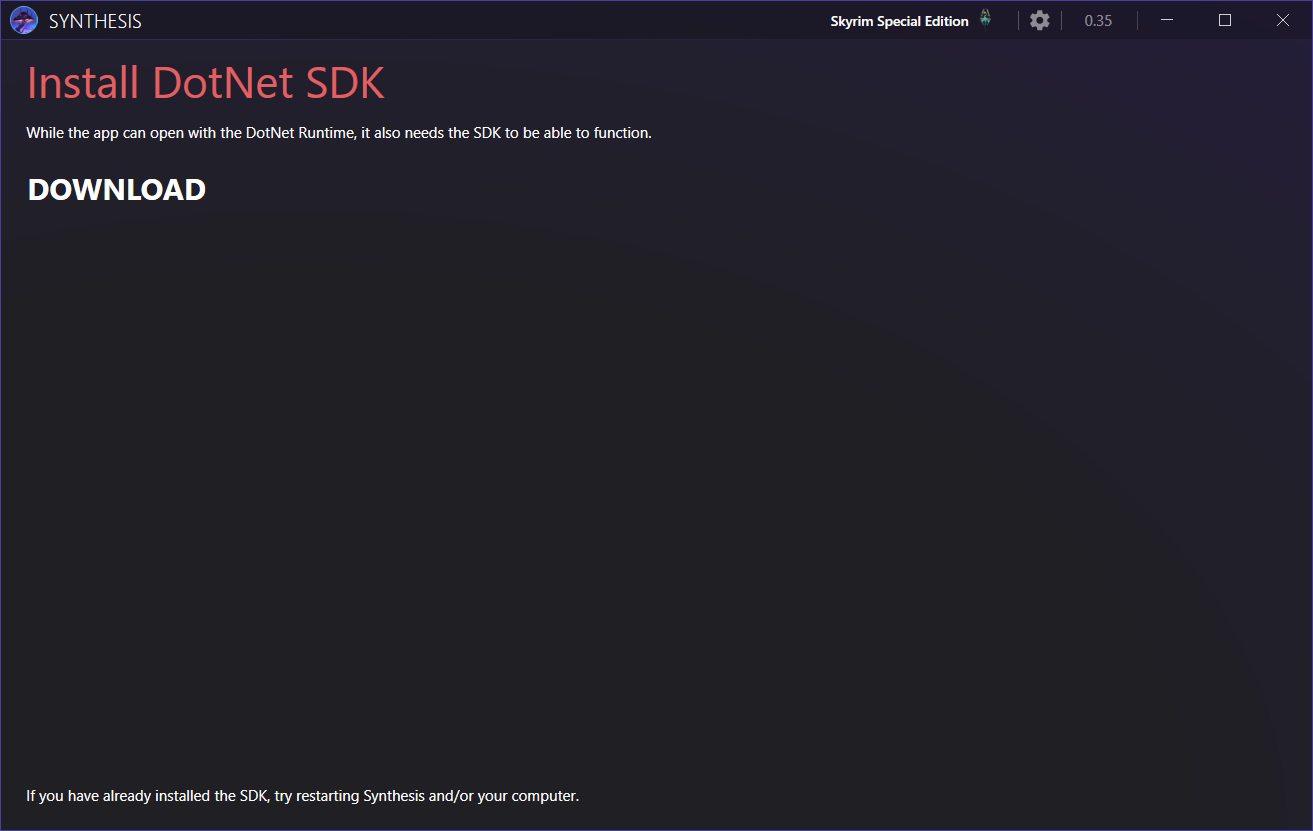
download and install NET SDK
create a mo2\tools\Synthesis folder
copy the content of the downloaded archive to this file
create [Output] Synthesis empty mod to store outputs from Synthesis
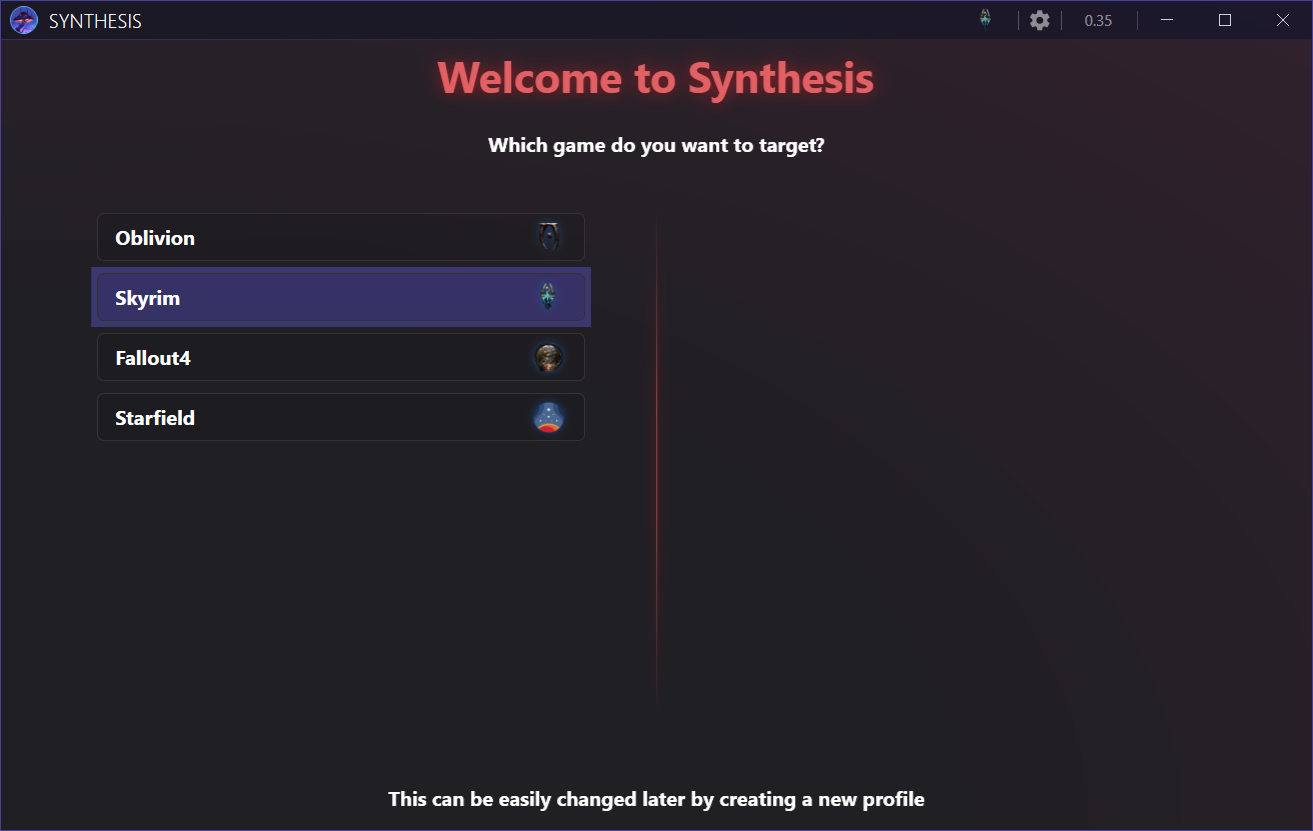
run the game and set the game data path to the stock_game
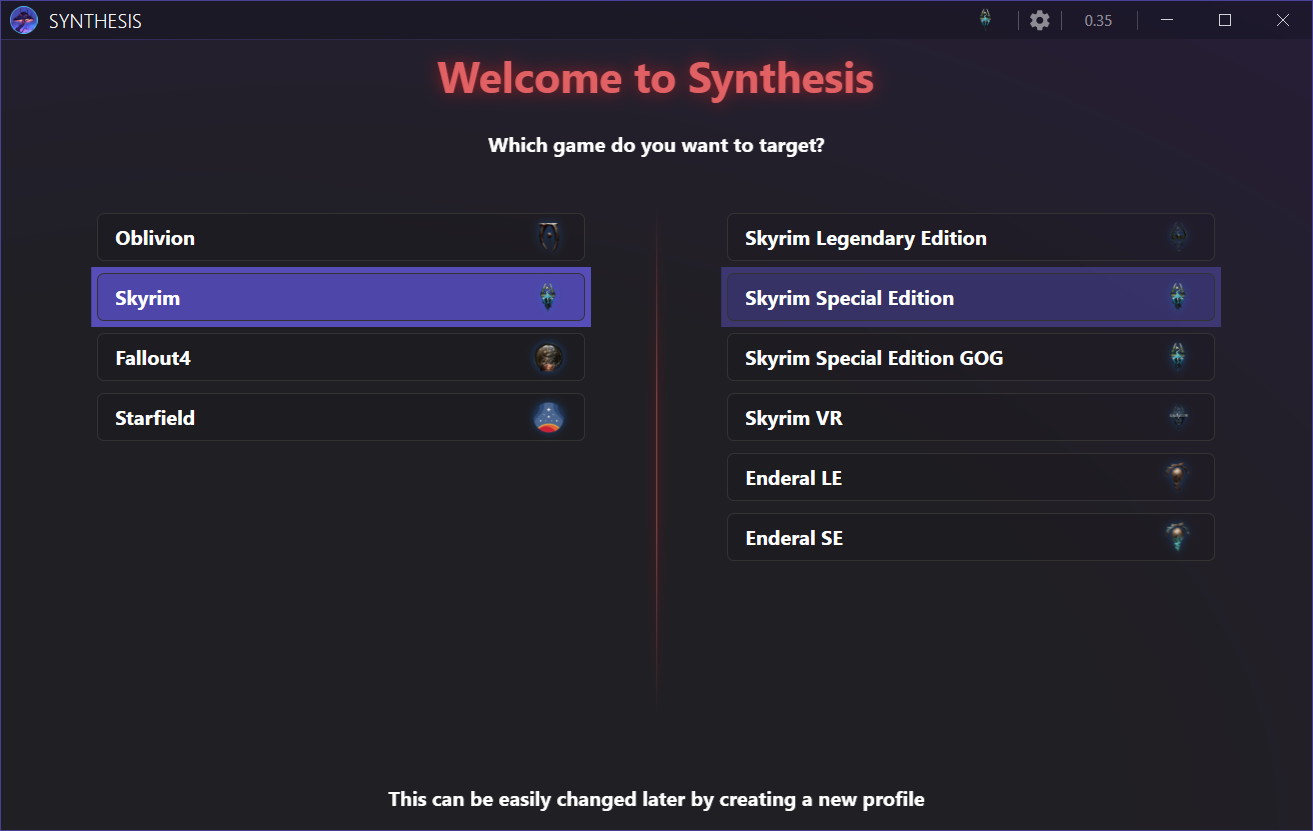
select the Skyrim Special Edition in the top-right
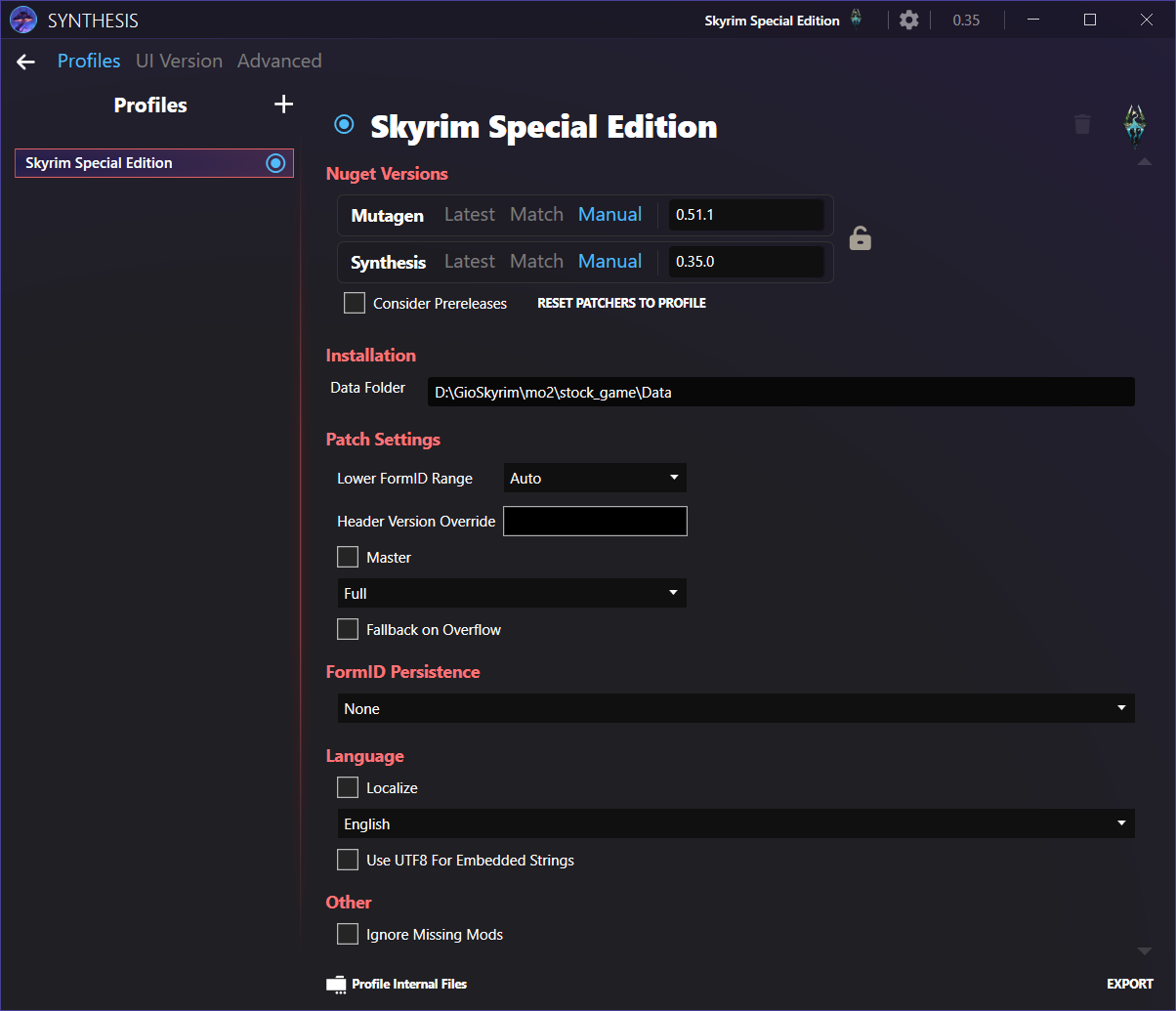
edit the Data Folder field
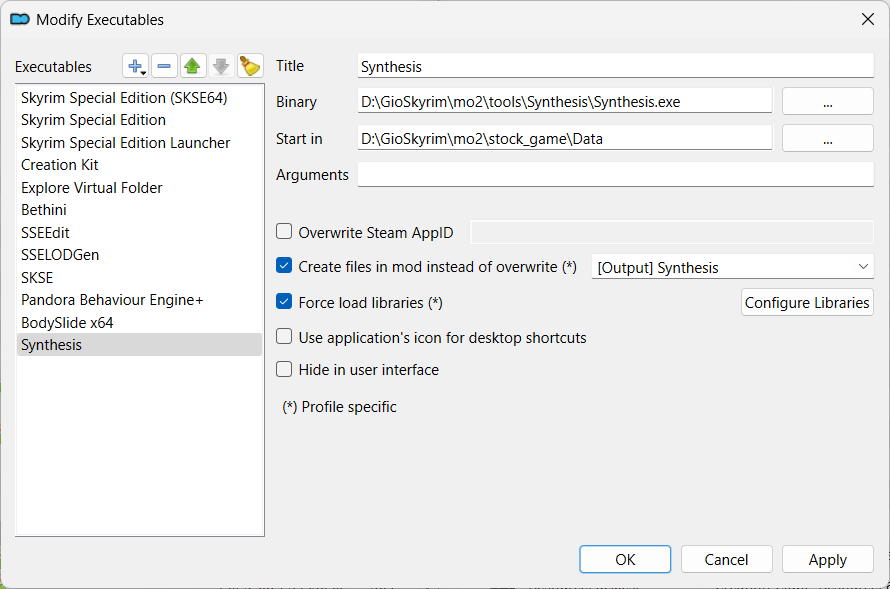
create a launcher
Launcher
Title
Synthesis
Binary
<SOURCE_DIR>\mo2\tools\Synthesis\Synthesis.exe
Start in
<SOURCE_DIR>\stock_game\Data
[Output] Synthesis
Usage
launch Synthesis from MO2
add your recipes
click the Run button on the left-bottom
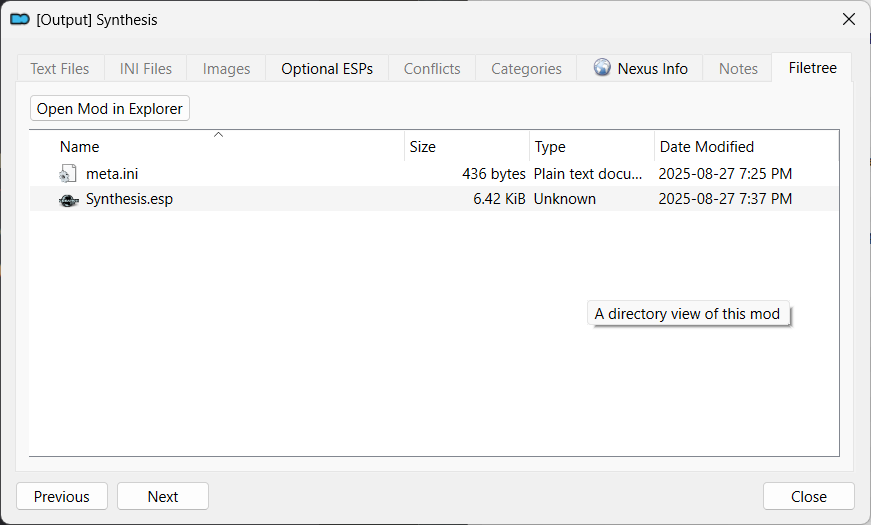
the output will be stored on the [Output] Synthesis\Synthesis.esp